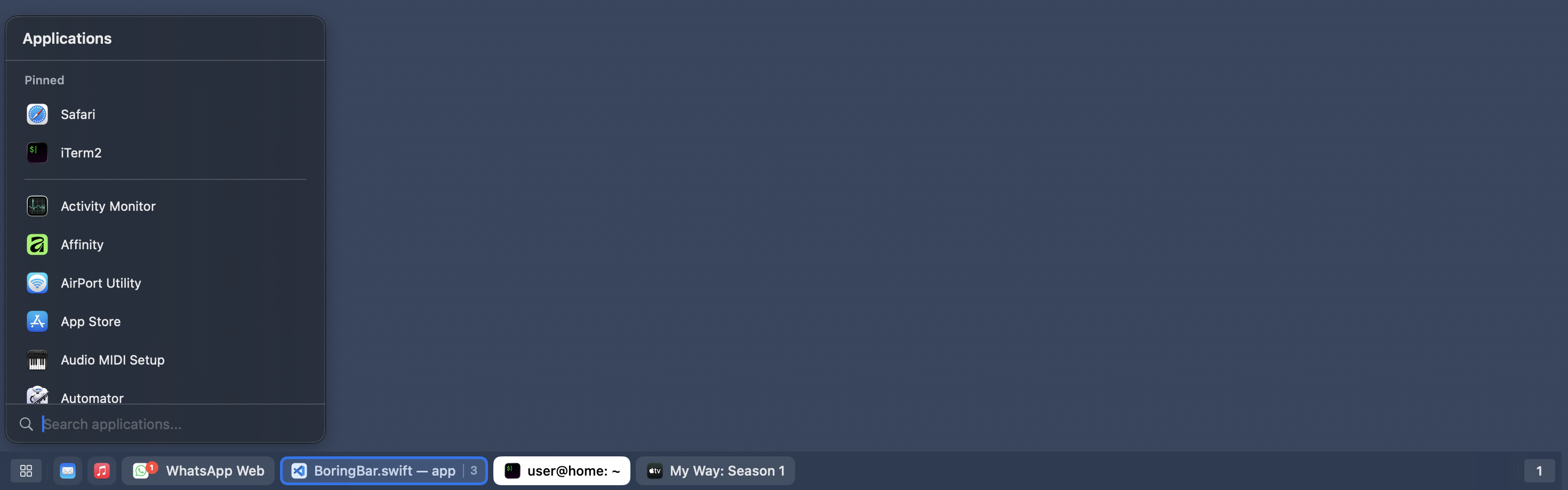
boringBar taskbar for macOS
Introduction
boringBar is a taskbar for macOS that keeps windows organized by desktop, with instant previews, one-click desktop switching, pinned apps, and a searchable app launcher for a cleaner, more organized workflow.
The macOS Dock shows apps, but not how your windows are spread across desktops and displays. boringBar replaces it with a Windows-style taskbar for your Mac. Every open window gets its own chip, so it feels familiar if you are coming from Windows.
Features

Current desktop only
Shows only the windows on the active desktop for that display, so you stay focused on what is in front of you.
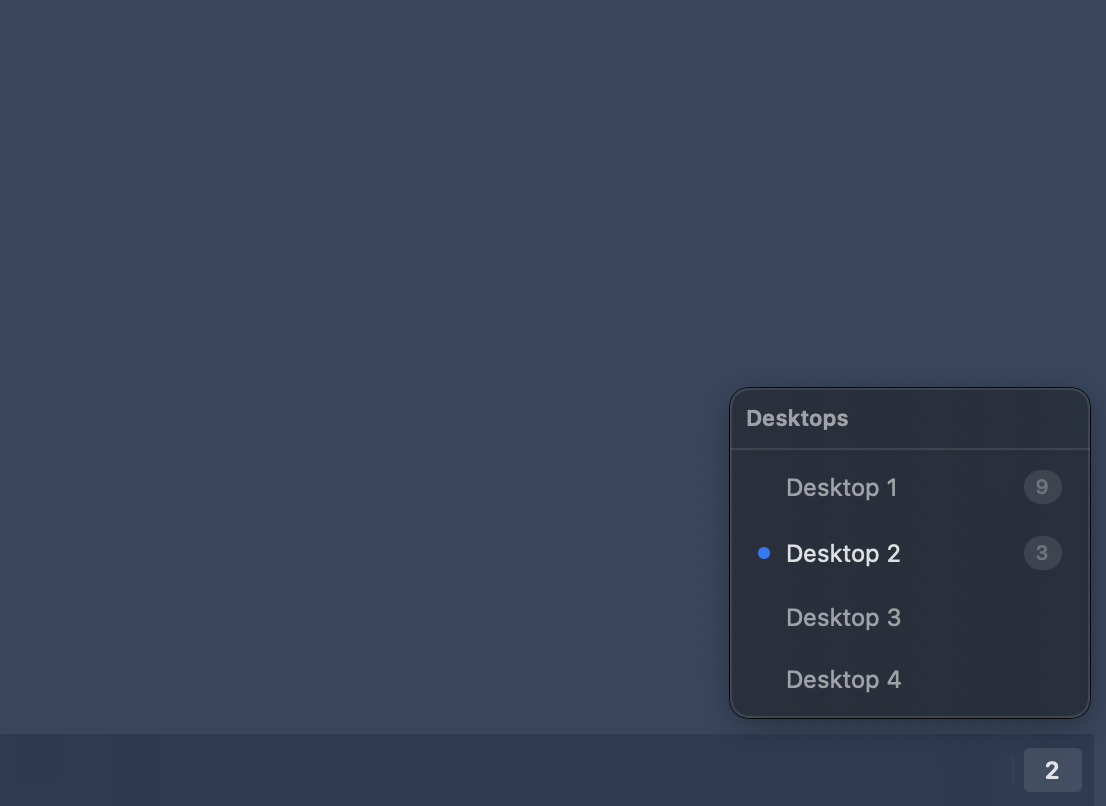
Desktop switcher
Jump to any desktop on the current display with one click, and see how many windows are open on each one.
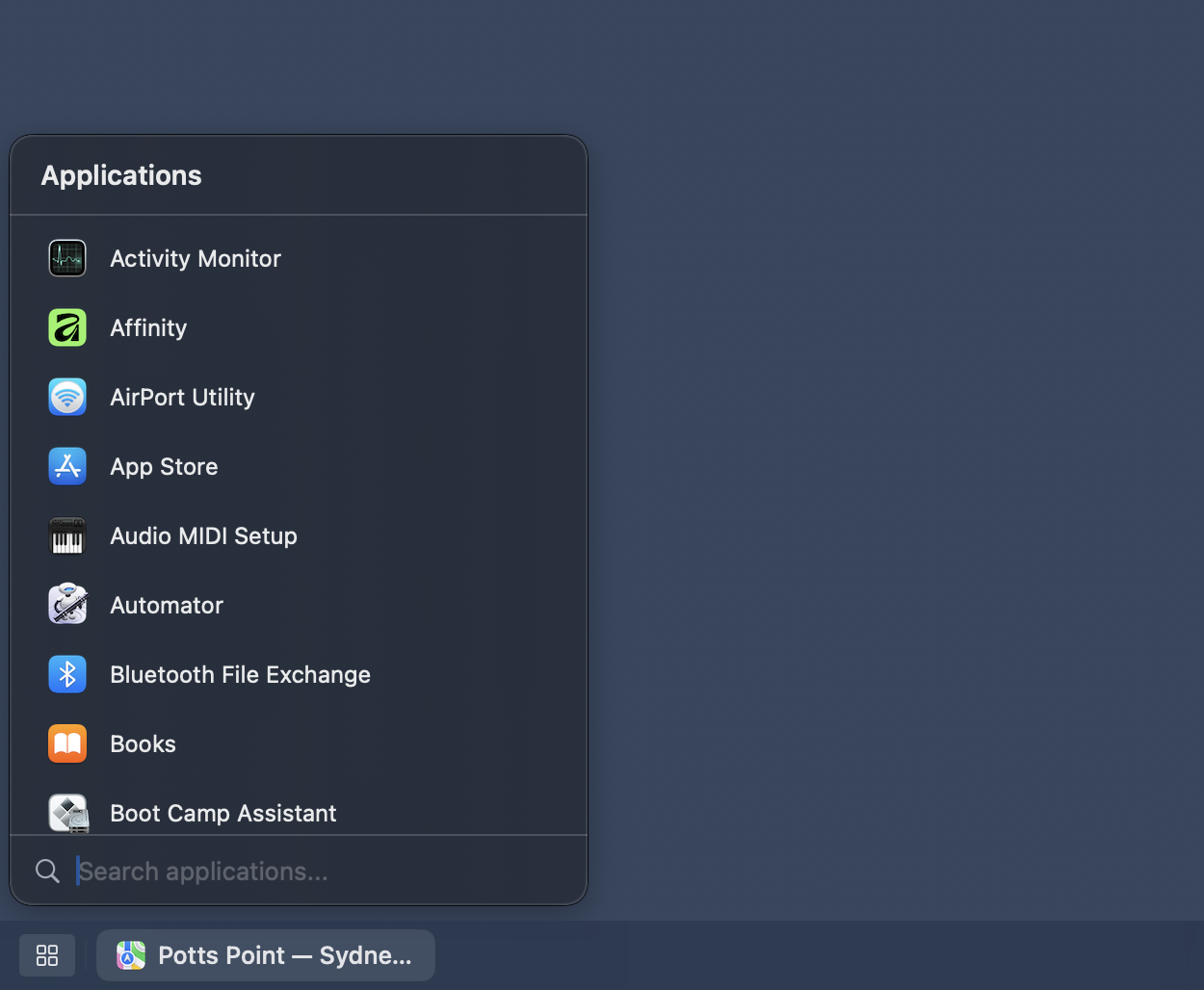
App launcher
Search and launch apps from a single list, then open it instantly with a configurable global shortcut.
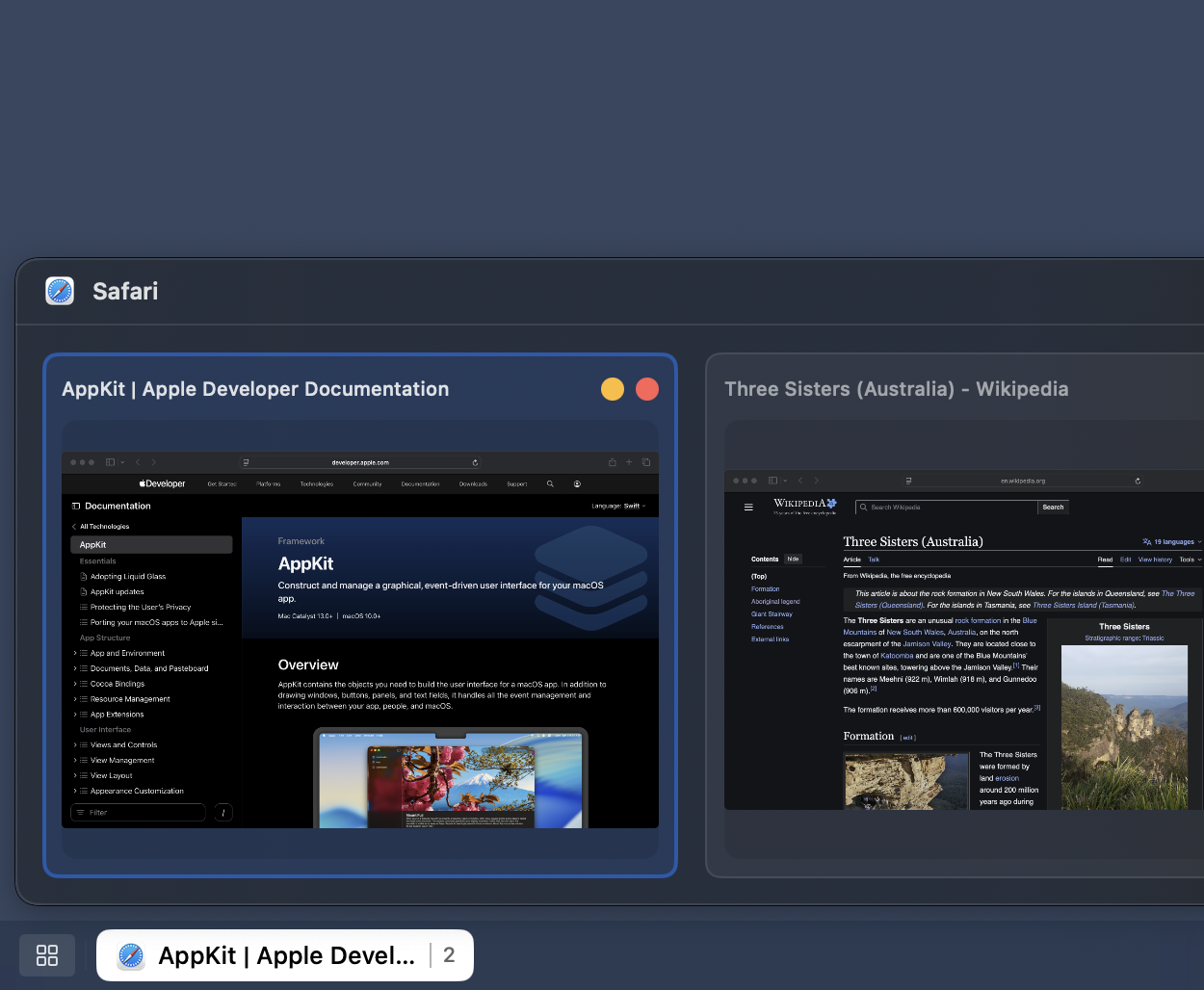
Preview windows using thumbnails
Hover a chip to preview windows before switching, so you can pick the right one faster.
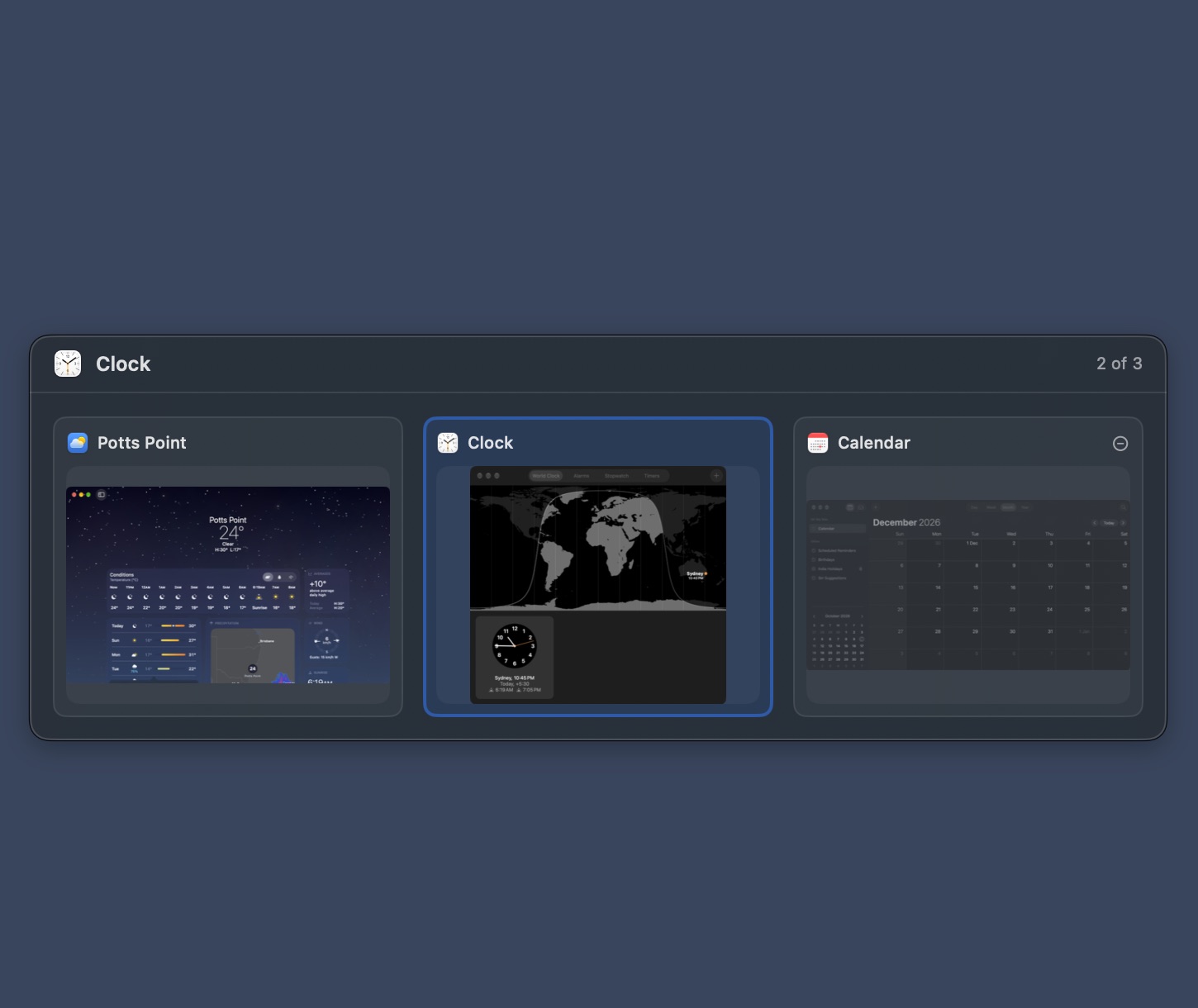
Window switcher macOS 27+
Tap ⌥Tab to jump back to your previous window, or hold ⌥ to pick from live previews of the windows on the display under your pointer. The shortcut is configurable.
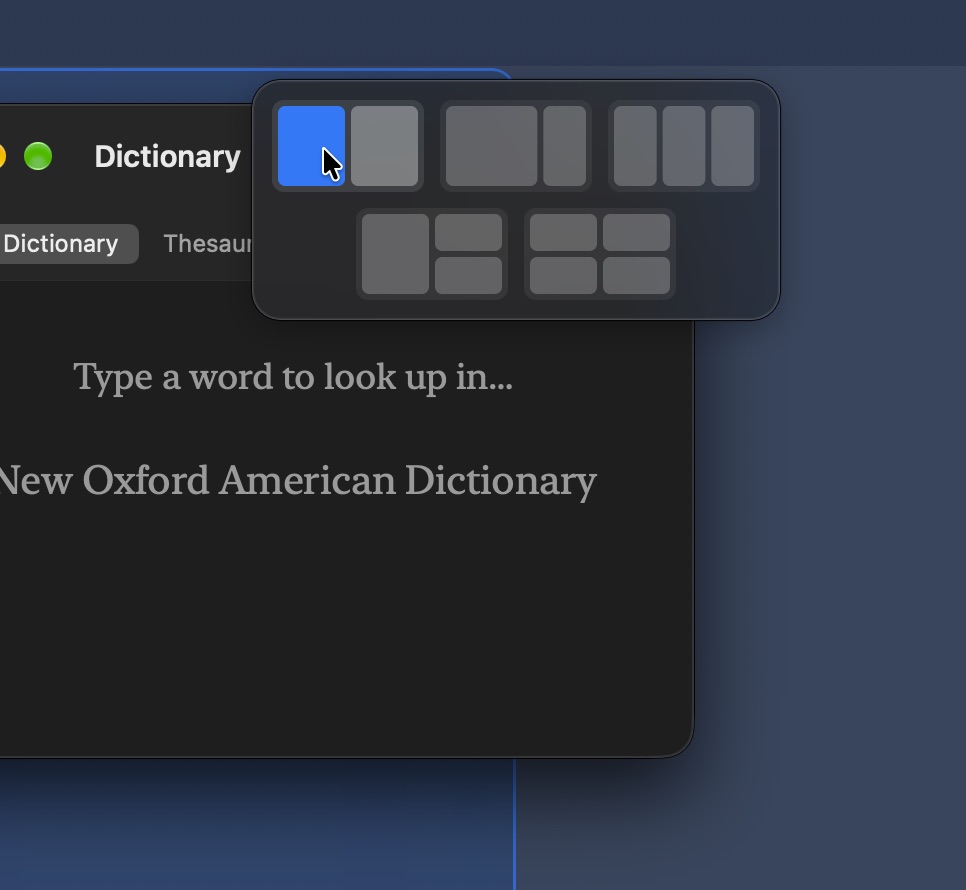
Snap layouts macOS 27+
Drag a window into the menu bar to choose a layout, then drop it on a zone to snap it into place.

Notification badges
Unread badges from macOS appear directly on chips, so important updates stay visible.
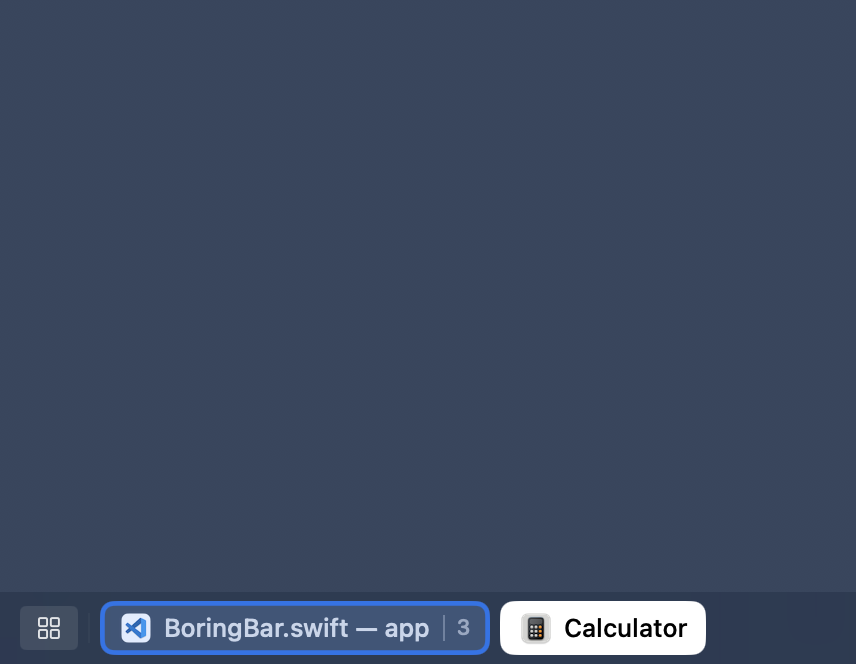
Attention pulse
When an app needs your attention, its chip gives a subtle pulse so you notice it right away.
Scroll to switch desktops
Scroll up or down on the bar to move between desktops. Direction is configurable.
Adjustable bar size
Choose small, medium, or large. Pick the size that suits you best.
Group windows by app
Collapses multiple windows into one chip, with a count badge.
Toggle chip titles
Hide app name text on chips while keeping icons and window count badges.
Window or app names
Show full window titles in chips, or just the app name for a cleaner look.
Hide dock
Keeps the Dock out of the way while you use boringBar, then brings it back when you turn the feature off.
Show on all displays
Mirror bars across multiple monitors, including setups where the system setting "Displays have separate Spaces" is off.
Quick shortcut to Show Desktop
Right-click the bar and choose Show Desktop, or click the ribbon at the far right edge to reveal the desktop.
Pin apps on bar/app menu
Right click on any app in the bar to pin them to the bar itself or to the top of the application menu.
Resize windows together macOS 27+
Drag an edge that tiled windows share and they all resize together, so splits and grids keep their shape.
Snap with the keyboard macOS 27+
Hold your snap keys and press an arrow to snap the focused window to that half, F to fill, or C to centre.
Send windows to a desktop macOS 27+
Hold your snap keys and press 1–9 to move the focused window to that desktop on its display.
FAQ
boringBar requires macOS 14 (Sonoma) or later.
boringBar requires two macOS permissions. Accessibility is used to observe and interact with windows, desktops, and apps on your behalf. Screen Recording is used solely to fetch window thumbnail previews and is not used for anything else. You can verify this yourself: the purple dot in Control Center only appears when thumbnails are being fetched, and you will not see it from boringBar at any other time.
Yes. You can download and try boringBar free for 14 days with all features unlocked. A license is required to continue using it after the trial.
Personal licenses come in two flavors:
Perpetual — a one-time $29.99 purchase covering 2 devices, with 1 year of support and updates included. The software keeps working after that; you just won't receive further updates.
Yearly — a subscription starting at $7.99/year for 1 device, with additional devices at $2/year each, up to 5.
Business licenses are billed annually, start at 6 users, and use volume pricing, so the per-user cost drops as your team grows:
| Quantity | Price per user / year |
|---|---|
| First 1 | $3.49 |
| Next 2 – 20 | $3.50 |
| Next 21 – 50 | $2.50 |
| Next 51 – 100 | $2.00 |
| The rest | $1.00 |
For example, a 6-user business license is $20.99/year, a 20-user license is $69.99/year, and a 50-user license is $144.99/year.
Both licenses give you access to the same features. A personal license is for individual use and comes in two flavors: a one-time perpetual purchase covering 2 devices, or a yearly subscription covering up to 5 devices. A business license is an annual subscription intended for use within a company or organization and includes volume pricing.
Each license seat is linked to one device. A perpetual personal license includes 2 seats; a yearly personal license covers 1 to 5 devices. For yearly personal and business licenses, make sure to purchase the appropriate number of seats upfront, as seats cannot be added to an existing license. If you need more later, you can purchase a separate license. Multiple users on the same machine share a single seat.
Personal license holders receive an activation key by email after purchase. Business license holders need to add each team member from the Business License Management page first. In the boringBar app, that team member then enters their email address and receives a one-time code to confirm and activate their license.
boringBar can hide the Dock for you while it is running, but it will still be visible in Mission Control. When you turn the feature off or quit the app, the Dock comes right back.